Zero-to-Jupyterhub [3 min read]
The purpose of this document is to describe the possible ways of accessing SAI CTTC computational resources available through JupyterHub.
Access
Requesting Access
prerequisite: have a GitHub account
- contact Pavol Mulinka to add you to https://github.com/sai-cttc group
- change your membership to public https://github.com/orgs/sai-cttc/people
External
WebGUI
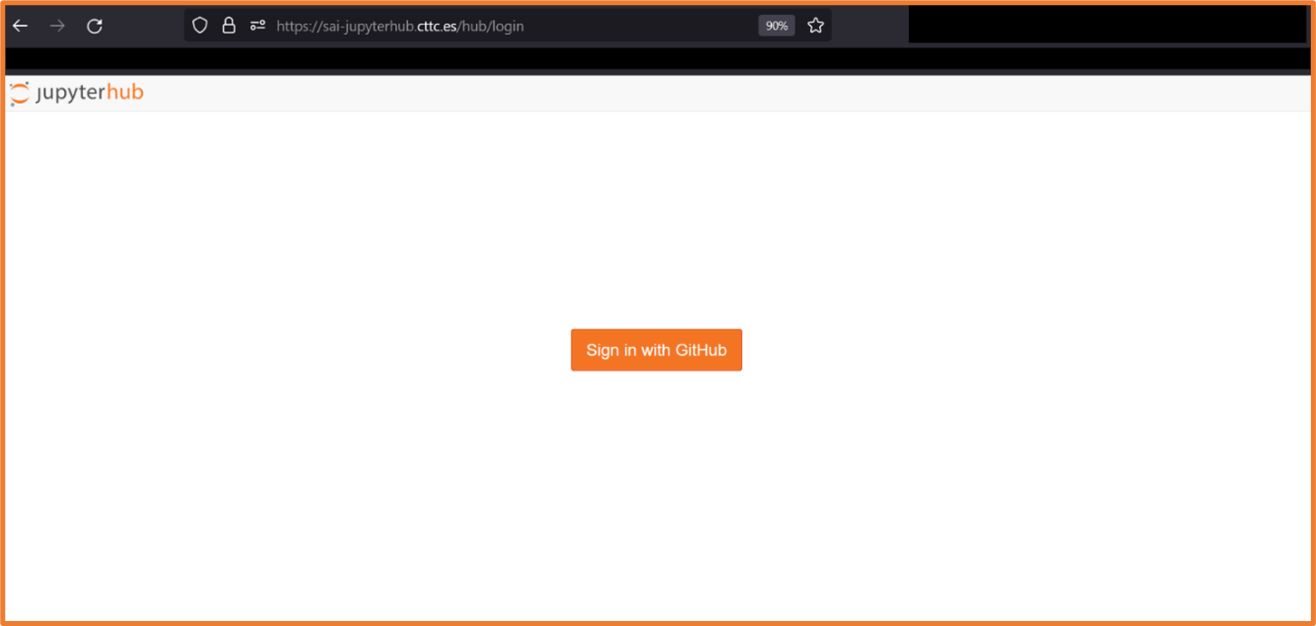
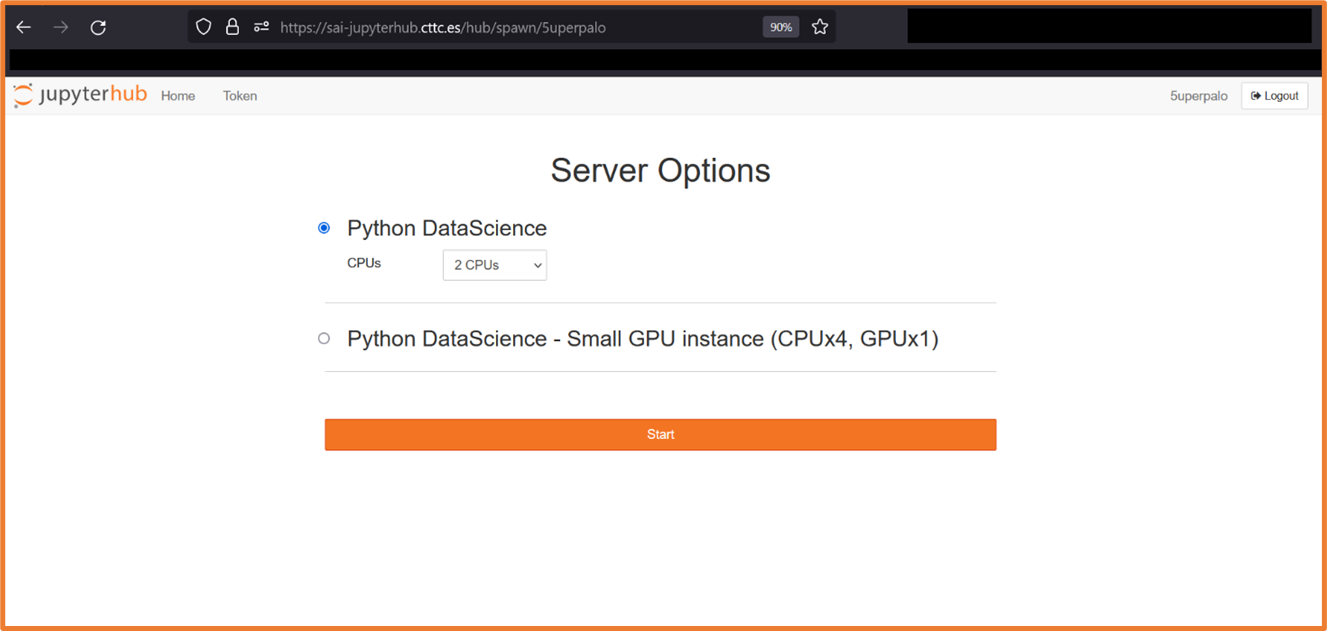
- login and test spawning a JupyterHub pod at https://sai-jupyterhub.cttc.es
Internal(CTTC VPN)
WebGUI
- login and spawn a JupyterHub pod at any of the following
- https://10.1.24.200
- https://jupyterhub.sai.kubernetes.local
- https://sai-jupyterhub.cttc.es
SSH
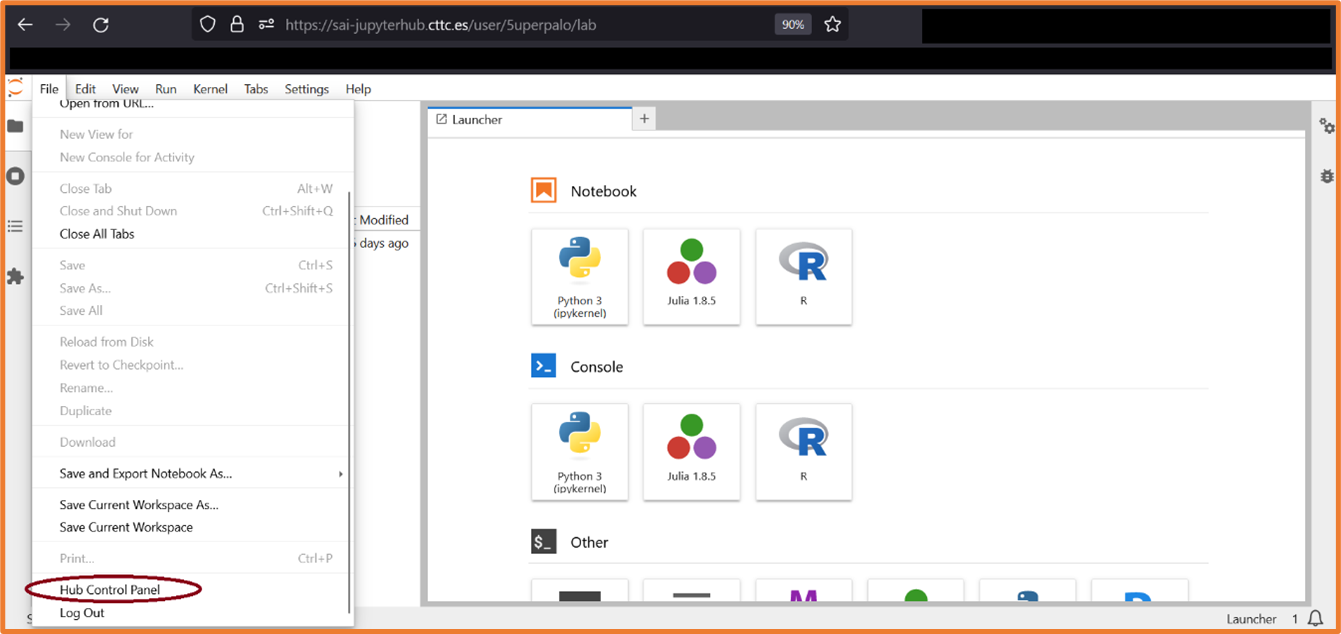
- generate token in JupyterHub GUI
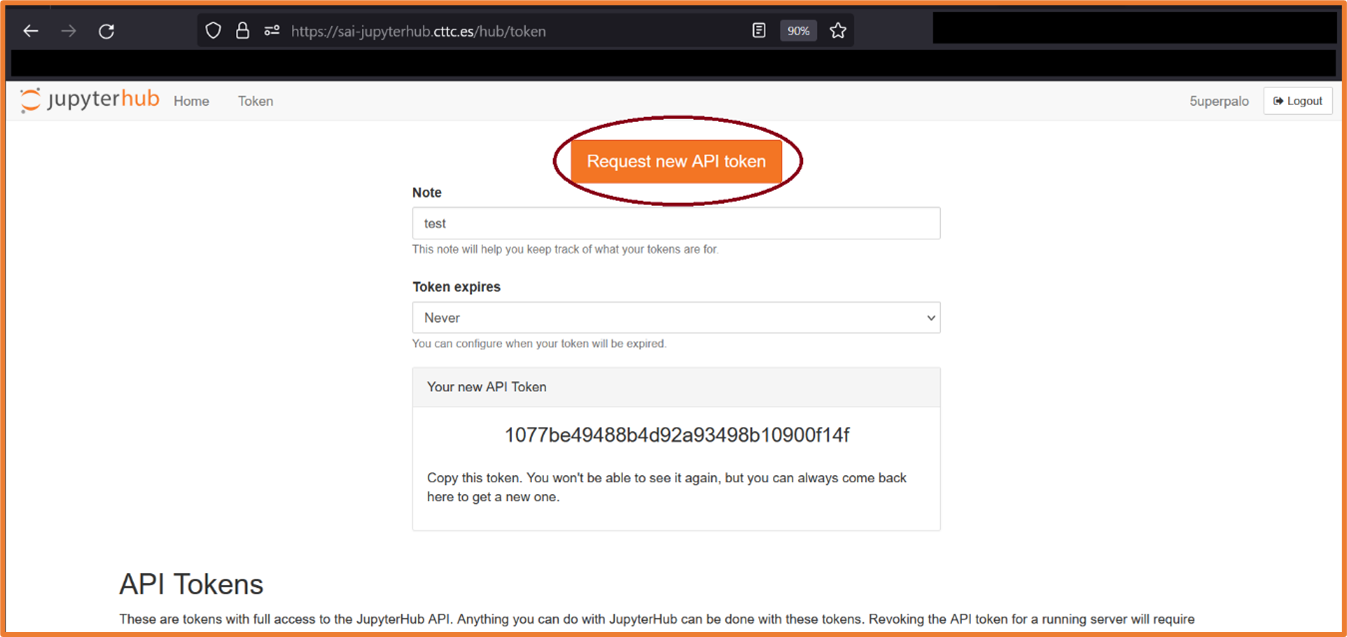
- ssh using your Jupyterhub/GitHub username on port 22022 on either local IP address or local domain name jupyterhub.sai.kubernetes.local and use generated token as password:

VSCode remote ssh
Please follow the official VSCode instructions: https://code.visualstudio.com/docs/remote/ssh * to generate a token, follow the instructions in the SSH section
VSCode-Server
Please follow the official VSCode-server instructions: https://github.com/coder/code-server * to generate a token, follow the instructions in the SSH section
Remote Jupyter server
Please follow this guide https://blog.jupyter.org/connect-to-a-jupyterhub-from-visual-studio-code-ed7ed3a31bcb . * to generate a token, follow the instructions in the SSH section Keep in mind that: * you are looking at the local code * you are running the code remotely * you are opening files that are present on the remote NOT you local machine
Known Issues
WebGUI - Internal(CTTC VPN)
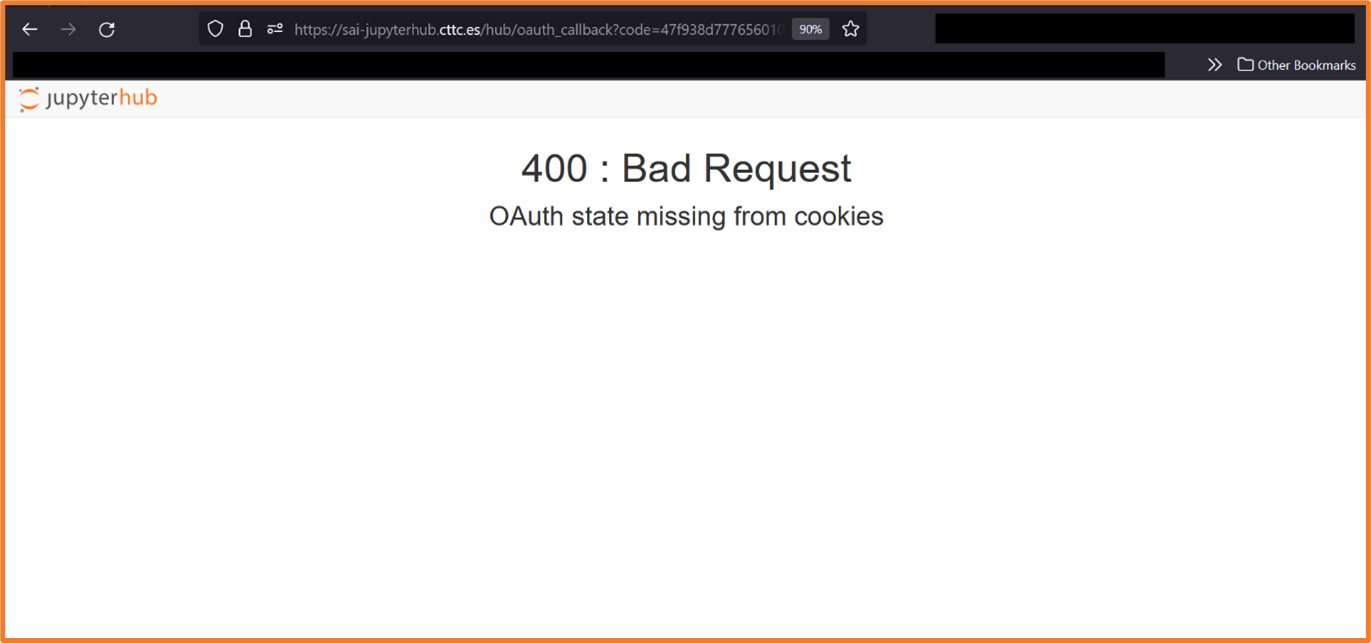
- authentication through internal(local) IP address/URL results in OAuth error, this is most probably due to the following JupyterHub setting:
hub:
  config:
    GitHubOAuthenticator:
      oauth_callback_url: https://sai-jupyterhub.cttc.es/hub/oauth_callback
VSCode remote ssh
- At the time of the writing this guide the vscode remote-ssh extension cause the spawned machine to hang, making it unresponsive. I had to restart the spawned machine in WebGUI to regain access to it. SSH
- Putty is sending JupyterHub token symbols in different encoding than Linux/WSL terminal. Logs in jupyter-ssh pod show “scrambled” symbols while attempting to authenticate ssh session
- SSH in Linux/WSL terminal prepends and appends additional symbols to JupyterHub token. These symbols are removed in code running in jupyterhub-ssh pod.
Remote Jupyter server
- At the time of writing this guide I lost this feature in VScode for unknown reason and I was unable to test it. I tried running VScode under WSL and Windows, both “normal” and development version.